Crypto wallets also provide an interface for accessing and managing assets stored on the blockchain.
Types of Crypto Wallets
There are two primary types of crypto wallets with different levels of security and convenience. Choose the wallet that suits your needs.
Software Wallet (Hot Wallet)
A software wallet is an application on a mobile phone or desktop. Through a software wallet, token holders can view their asset balance, access their cryptocurrency, make transactions, and so on. Software wallets are often called hot wallets because they are always connected to the internet.
Some software wallets also provide additional functions, such as integration with exchanges.
Software wallets are suitable for daily transactions, investment, and staking activities in DeFi (Decentralized Finance). Examples of software wallets include Kraken and Electrum.
Pros:
- Free to download.
- The setup process is easy.
- Facilitates fast transactions.
Cons:
- Always connected to the internet, making private keys more vulnerable to hacking or phishing.
- Some software wallets charge transaction fees.
Hardware Wallet (Cold Wallet)
As the name suggests, hardware wallets are physical devices. They are more secure because private keys are stored offline. Think of a hardware wallet as a flash drive that must be plugged into a computer every time you want to use it. Hardware wallets are often called cold wallets because they are not connected to the internet.
Hardware wallets are suitable for storing large amounts of crypto assets for long periods of time. Examples of popular hardware wallets include Ledger and Trezor.
Pros:
- Full control over private keys and crypto assets.
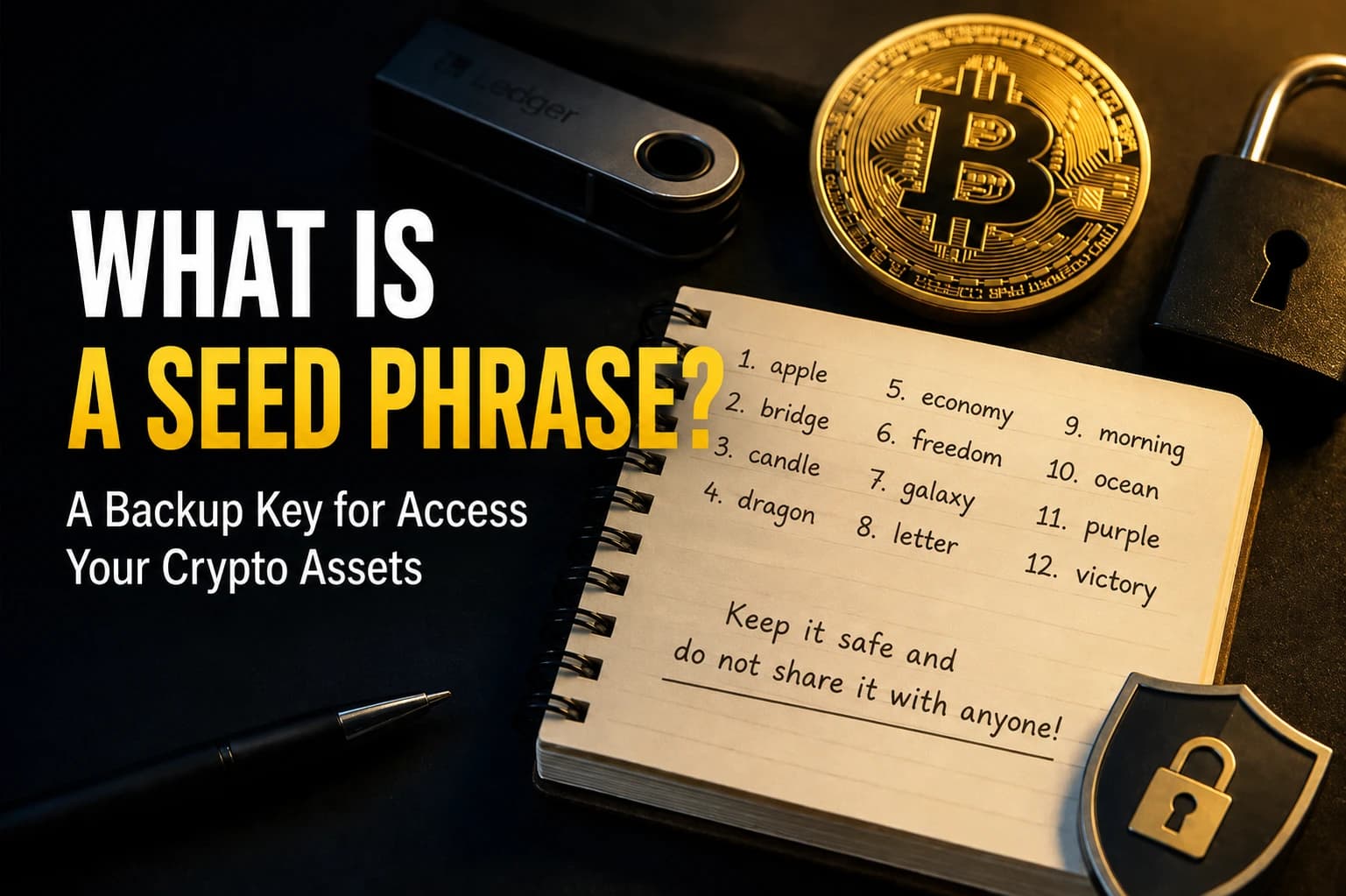
- A backup recovery phrase can restore access if the wallet is lost or damaged.
- Portable and lightweight.
Cons:
- Expensive, costs around $100-200.
- If the recovery phrase is lost, access to crypto will also be lost.
Software vs Hardware Wallet: Which One is Better?
- Hardware wallets are suitable for those who store a lot of crypto assets and want maximum security.
- Software wallets are suitable for those who actively make transactions and need easy access to crypto assets.
- Use both and store your savings in a hardware wallet while keeping your transaction, trading, and staking funds in a software wallet.
How to Choose A Safe Crypto Wallet
How to choose the best crypto wallet? Consider these three factors.
Security
Several security features that a modern crypto wallet should have include:
- Biometric Authentication: Securely access your wallet using fingerprint or facial recognition.
- Multi-Signature: Transactions require more than one private key to be approved.
- Hardware Security Models (HSM): Physical devices that protect private keys from attacks.
- Time-Locked Transactions: Set specific dates and times when transactions can be executed.
- Whitelist: The wallet will only approve transactions to trusted addresses.
- Duress PINs: Trigger a false transaction or lock funds if the PIN is forcibly provided.
- Cold Storage integration: Private keys are stored offline to prevent online attacks.
Not all security features need to be present in a single wallet application, but the more the better.
Ease of Use
If you are new to the world of digital assets, it is best to look for a wallet with a user-friendly interface.
Vast Crypto Support
Choose a wallet that supports multiple crypto assets from different blockchains. If you are interested in exploring the vast world of blockchain, look for a crypto wallet that can also store NFTs.
Popular Crypto Wallet Recommendations
Exodus: Suitable for all types of investors
Pros:
- Supports over 50 cryptocurrencies
- Native integration with Trezor hardware wallets
- High security
- In-app crypto swaps
Cons:
- Transaction fees vary and cannot be controlled
- No public third-party audits
Zengo: Best for beginners
Pros:
- No private keys seed phrase (replaced with a keyless security model)
- 24-hour customer support
- User-friendly interface
- Quick setup
Cons:
- Only supports a few crypto networks.
- High fees on the native exchange.
Sparrow: Best for Bitcoin
Pros:
- A lightweight desktop wallet that supports multiple platforms
- Supports all common hardware wallets
- A transaction editor feature that functions as a blockchain explorer
- Multiple server options
Cons:
- Requires understanding of Bitcoin fundamentals
- Does not support swapping to native tokens or fiat
- Only available on desktop
Trust Wallet: Best mobile wallet
Pros:
- Supports NFTs on Ethereum and BNB Chain
- Designed for mobile with a simple interface
- One of the largest numbers of supported coins
- Supports in-app token swaps
Cons:
- Limited gas fee customization
- No live customer support
Metamask: Best Web3 wallet
Pros:
- Supports thousands of decentralized applications (dApps)
- Supports additional features through third-party plugins
- Regular security updates
- 99,99% transaction success rate
Cons:
- No native Bitcoin support
- Complex network configuration
Trezor Safe 3: Best hardware wallet for beginners
Pros:
- On-device confirmation for all transactions
- Entry access using both a passphrase and a PIN
- Open-source security and design
- Affordable
Cons:
- Does not support Cardano, Solana, and several other popular coins
- Expensive tutorials
Ledger Nano Flex: Best high-end hardware wallet
Pros:
- Transaction reviews and signing in one screen
- E Ink display with better readability
- Supports over 5,500 tokens
- Secure CC EAL6+ element chip
Cons:
- More vulnerable due to additional connectivity
- Requires Ledger Live for maximum functionality
Crypto Wallet Setup and Security Tips
The steps to set up a crypto wallet are quite simple, but the process varies depending on the type.
How to Set Up A Software Wallet
- Choose a crypto wallet: Look for a wallet with positive reviews, comprehensive security features, and a user-friendly interface.
- Download the wallet application: Download it from the Play Store/App Store or the wallet's official website. Avoid downloading through third-party websites or suspicious links.
- Create a wallet account: Follow the steps to create an account. Use a strong password and recovery phrase.
- Secure your wallet: This means storing your password and recovery phrase in a safe place offline. Do not share this information with anyone else.
- Top up your wallet: Buy crypto from an exchange and transfer it to your wallet.
How to Set Up A Hardware Wallet
- Purchase a wallet: Purchase from the wallet manufacturer’s official website to ensure the product’s authenticity.
- Set up according to the instructions: Connect the wallet to your computer and follow the instructions to create a PIN and recovery seed.
- Secure your recovery seed: Store your recovery seed in a safe offline location, such as a safe deposit box.
- Use the wallet: After setup, the wallet can be used by connecting it to a device.
Crypto Wallet Security Tips
- Use a strong password.
- Enable 2FA (2-Factor Authentication)
- Store the recovery phrase offline.
- Do not store credentials in the cloud.
FAQ
Why are crypto wallets important?
Crypto wallets are important for keeping your digital assets secure and preventing it from being accessed by others. Crypto wallets also allow you to manage your crypto and make transactions.
What if I can’t access my crypto wallet?
You can regain access using your recovery phrase. Without this, you will permanently lose access to your wallet. That's why it's crucial to store the phrase safely.
Are there fees when using a crypto wallet?
Most software wallets can be used for free, but some charge transaction fees if you want to receive or send crypto. Meanwhile, hardware wallets must be purchased for $50-200.
Can I lose assets stored in a crypto wallet?
Yes, if the private key or recovery phrase is stolen or not stored properly.
Conclusion
A crypto wallet is a must-have technology for investors and traders of digital assets. Through a crypto wallet, token holders can access, manage, transfer, and even sell their tokens. Therefore, it is important to store the token's private key in the wallet and keep the wallet's recovery phrase safe.
When choosing a wallet, consider your needs and investment goals. Choose a software wallet if you want to invest, trade, or stake. Use a hardware wallet to store large amounts of assets, including NFTs.
What are NFTs and how do they work? Learn all about NFTs in the article 7 Definitions of NFT & How It Works for Beginners.